
Steal a Chicken Controls
Same loop on every device. Different ways to drop the chicken by accident.
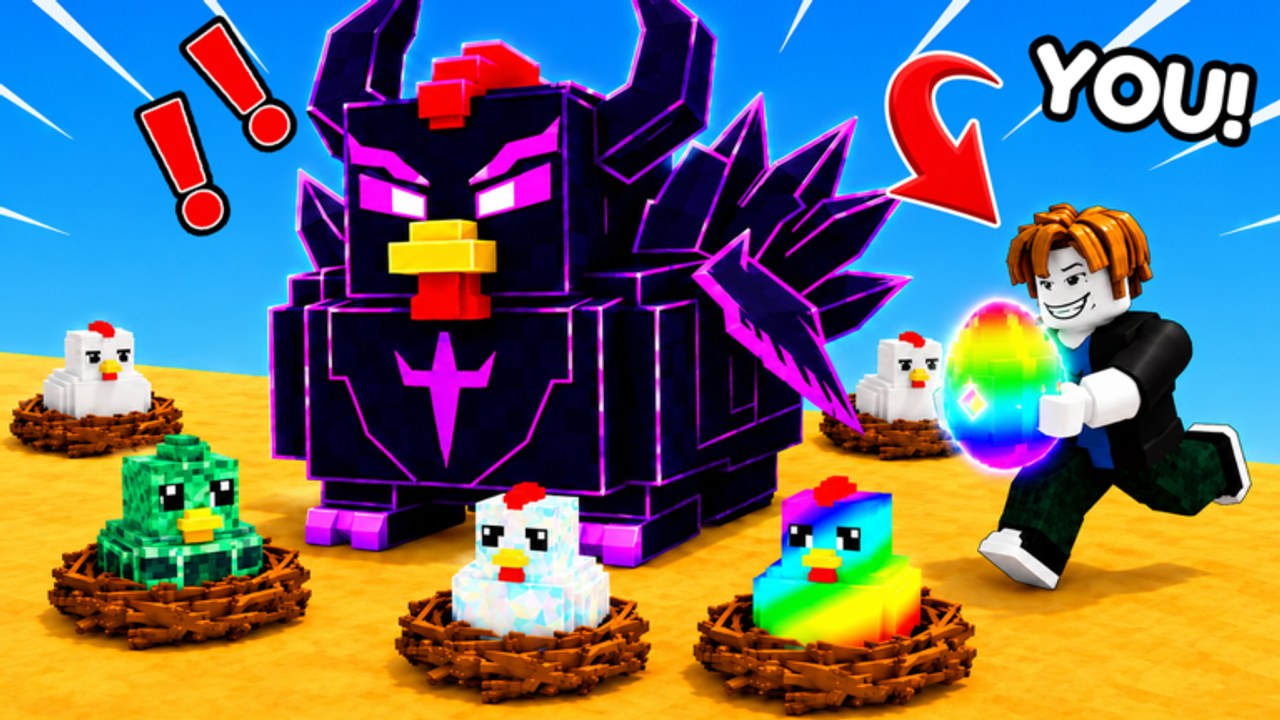
Steal a Chicken supports desktop, console, mobile, and tablet. The loop does not change: steal from a nest, kite the Guard, bat thieves, bank in the pen, carry eggs to the Merchant, sit on the treadmill. The inputs do change, and most donated rainbow eggs are UI accidents, not Guard skill issues.
This page is device-specific habits. Pair it with how to steal and how to protect. If a button is unlabeled in your build, use the in-game tooltips. We will not invent a fake key that Kibrix Runner did not print.
Desktop
Keyboard and mouse is the cleanest steal. Move with WASD or the stick if you rebound. Pickup and bat must not share a panic key. Before the first nest:
- Find Codes, Shop, and any lock or stats panel. Close them. HUD windows block the run-back.
- Practice a bat swing in the open so you know which mouse button is which.
- Sprint the line from the nearest nest to your pen once empty-handed. Muscle memory beats a rainbow grab.
Alt-tabbing to this wiki mid-carry is how the Guard tags you. Read getting started before you launch, not during a kite.
Mobile and tablet
Touch is the hard mode. Jump, bat, and pickup sit in the same corner on too many Roblox HUDs. Fat-finger a jump during a grab and you stand still while the Guard closes. Fat-finger a bat during a grab and you announce yourself to every thief in the five-player server.
Mobile habits:
- Increase UI scale if the Codes box is unreadable. Crystal typed as Chrystal is an expired problem you invented.
- Steal in landscape if your thumbs reach the pickup without covering the nest.
- Do not start a Cosmic run on a bus. Cosmic Zone needs clean movement.
- Auto-run extras from the scripts hub are a TOS risk and a battery tax. This controls page assumes vanilla inputs.
Tablet players have more thumb space. Use it to keep bat off the pickup. That single change saves more chickens than a lucky night restock.
Console
Controller steals are fine until the bat is on the same bumper you use to interact. If your first session feels like you keep punching the nest, you are firing the bat. Open Roblox’s experience controls overlay and confirm the prompt. Then do one empty-handed nest walk, one Merchant walk, one treadmill sit.
Console keyboards for codes are slow. Type Crystal and Relax once, correctly, from the redeem guide. Do not party-chat the strings. Chat is not the codes UI.
Shared rules
- Close the codes window before you steal.
- Do not open the Roblox menu mid-kite.
- Bank before you screenshot. The horned purple bird in the thumbnail is not worth a pause.
- If ping spikes, stop stealing. A delayed bat is a donation. Sit on the treadmill or sell eggs instead.
Night restocks do not care that you were rearranging binds. Be ready after the flip or miss the nest. If you need a reminder of the economy, sell a stack at the Merchant using only your device’s interact button until it is boring. Boring means you will not miss it during a chase.
Controls are not a skill tree. They are the difference between a banked chicken and a clip. Set them once, then steal.
Frequently Asked Questions
Quick answers to the most common Steal a Chicken questions.
Does Steal a Chicken support mobile?
Yes. The listing names desktop, console, mobile, and tablet. Watch the bat and pickup buttons on touch.
Where do I redeem codes on console?
In the in-game Codes UI, not party chat. See how to redeem.
Why do I keep batting when I try to steal?
Bat and interact overlap on your HUD. Rebind or slow down the grab, then practice empty-handed.
Should I steal on high ping?
No. Sell eggs or train Speed until the connection is stable.